
Listen to anything.Offline.
PDFs, EPUBs, articles, Markdown, and plain text, read aloud by natural voices in 31 languages.
Take a listen
Pick a voice to hear it.
A journey of a thousand miles begins with a single step.
Listen to anything.
Open a file or paste a link.
It understands the page.
Reads the paper, not the page furniture.
Headers, page numbers, equations, and references are skipped.
Scans become text.
Pages that are only pictures of text are recognized on your device.
Follows the language of the text.
In a book that mixes languages, each passage is read in its own.
Nothing to read yet? Start with a classic.
Public-domain classics from Standard Ebooks and Project Gutenberg, one tap from your library.
Listening to ebooksNatural voices in 31 languages
Listening in 31 languagesOn your Mac. And in your pocket.
One reader on Mac, iPhone, and iPad.
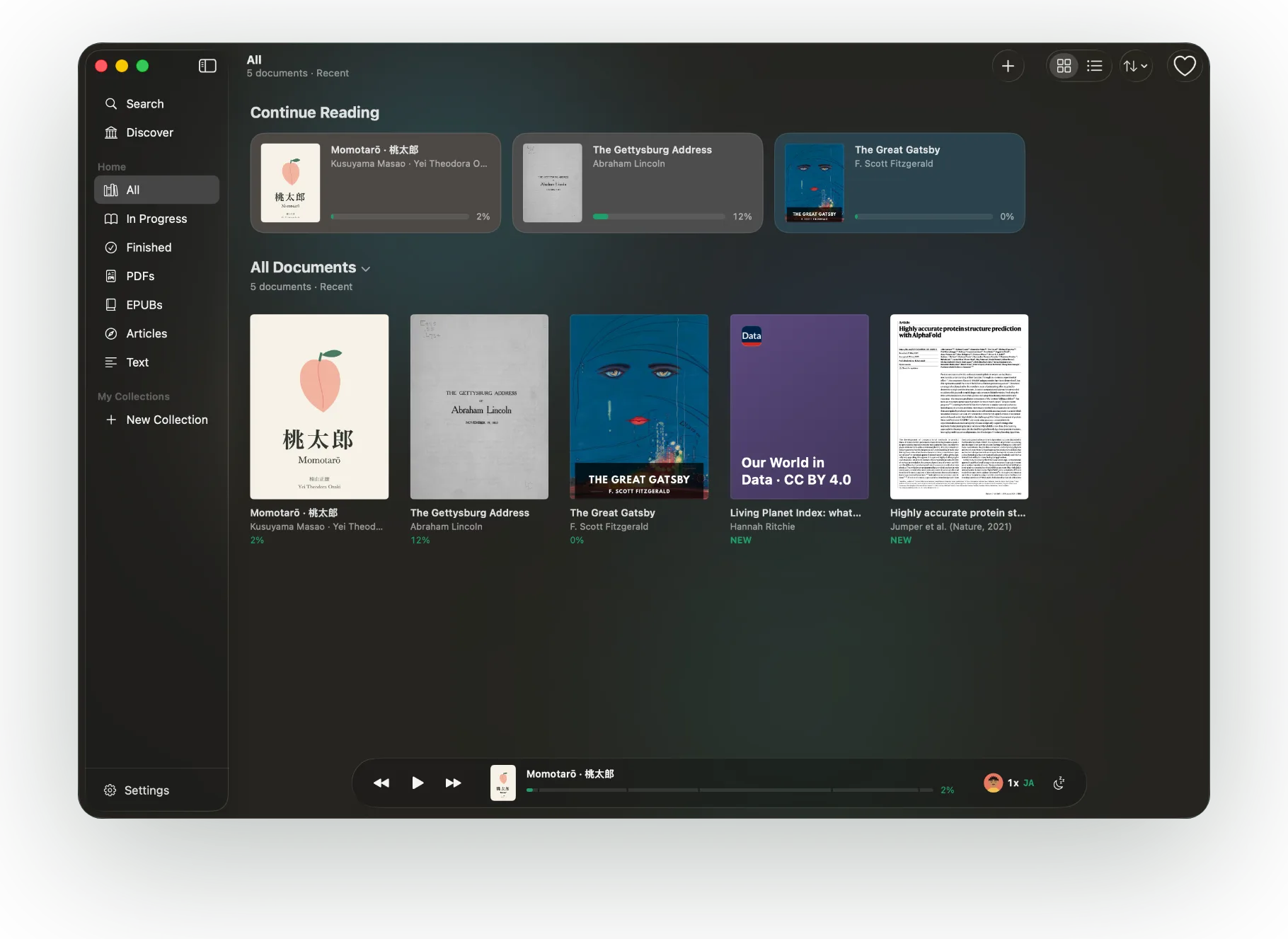
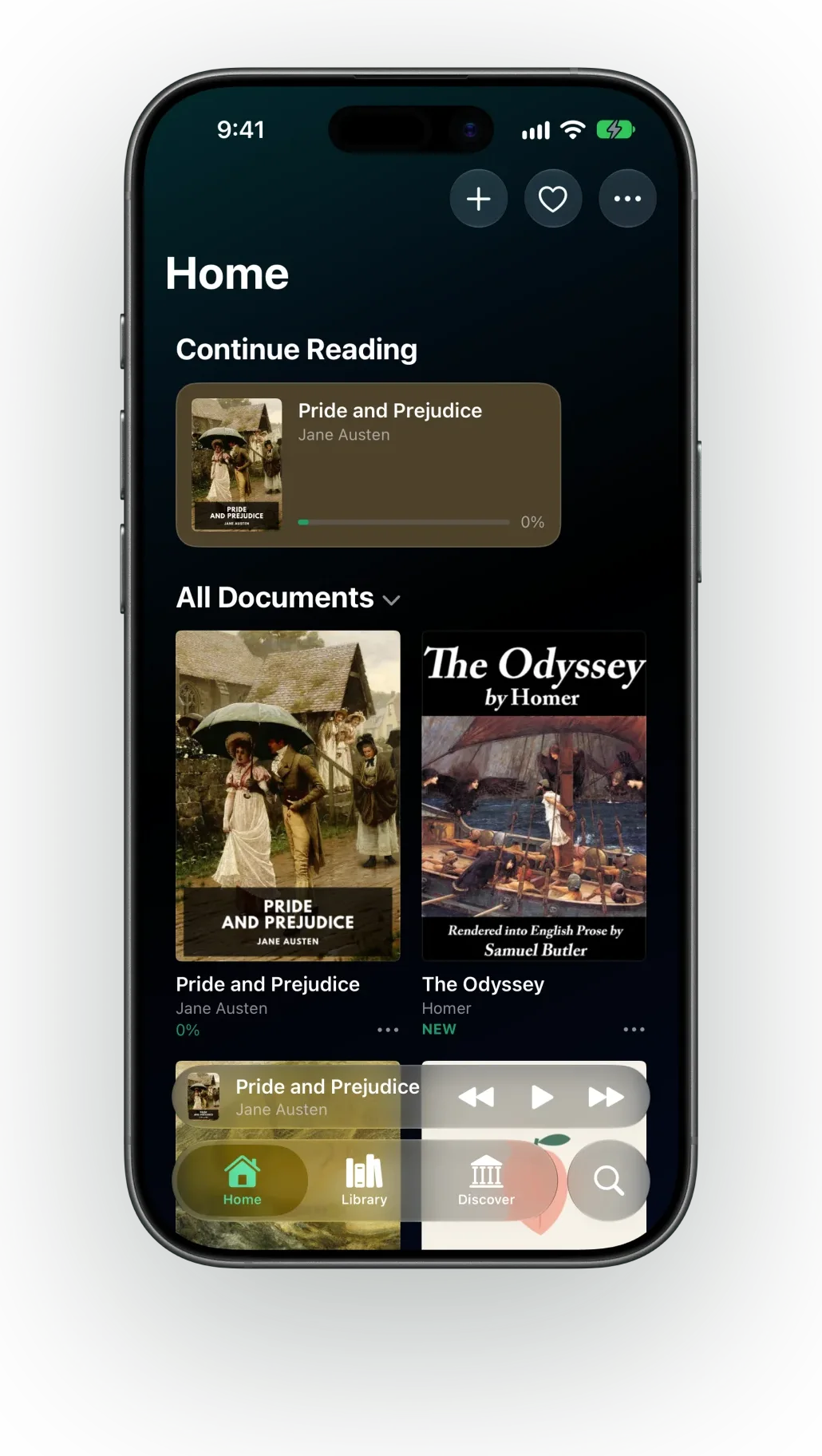
The small things, done right.
Sleep timer
Stop after a set time or at the end of the chapter.
Audiobook export
Turn any document into an audio file with chapters.
Any speed
Slow down or speed up, from 0.5× to 2×.
Ready offline
Prepare the audio ahead of time and listen with no connection.
Lock screen controls
Keeps playing in the background, with play and skip on the lock screen.
Right where you left off
Every document reopens at the place you stopped.
Bookmarks and highlights
Mark a place or keep a passage, and find it again later.
Read your way
Paper, sepia, or night; serif, sans, or rounded; pages or scroll.
Before you download.
No. Documents and generated speech stay on your device. The app has no account, no analytics, and no ads.
PDFs, EPUBs, public web articles, .txt files, and pasted text. Pasted Markdown is detected and can be shown with its headings as a table of contents. Scanned PDFs work too: a page that is an image of text is recognized on device, so it can be read aloud like any other. Listening to web articles
Yes, 31 of them, including Spanish, French, German, Italian, Portuguese, Hindi, Japanese, Korean, Arabic, Russian, and Vietnamese. ONarrator detects the document's language and narrates in it: English uses the English HD voices and other languages use the Multilingual voices, and both ship with the app. Chinese is not among the 31 yet. Listening in 31 languages
Yes. Voices run on device, and you can generate the audio ahead of time.
Most PDFs repeat headers, footers, and page numbers on every page. ONarrator detects those regions and narrates the body text. Listening to research papers
Mac, iPhone, and iPad, on the App Store. Each is a full app with the same reader and voices.